How to Feed Your Cat with Siri
I while ago I tweeted a video of me using Siri to feed my cat
Got a new pet feeder and “hacked” it to make it work with Siri/HomeKit.
— Rafa (@rafahari) May 6, 2020
The cat was not impressed, but whatever, Siri can feed her now. pic.twitter.com/e42FA89vVW
Since then several people have asked me how did I make that work, and through the mystical power of procrastination I am now writing a simple how-to guide, 6 months later.
Disclaimer
This is extremely hacky — everytime you log in to the Petkit app in a different device this breaks, but it made for a cool tweet and it's fun.
What we'll need
If you have an Apple Silicon based Mac, then that's the only device we'll need, otherwise we need an iOS device to run the Petkit app… oh yeah and we need the Petkit feeder and app. I should've start there.

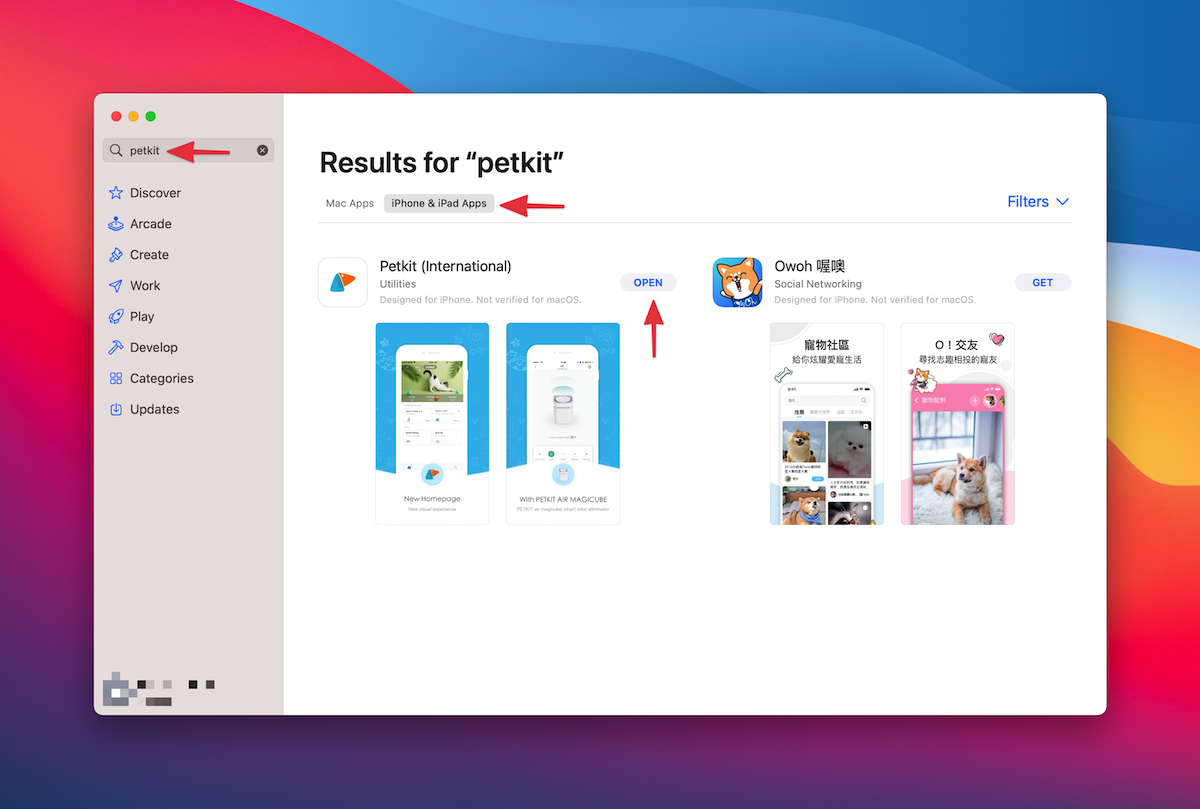
I've only tested this with the Petkit Element Mini, but I see no reason why it wouldn't work with the other Petkit devices.
There's two parts to this:
- Find the right API call by "listening" to our network requests
- Add a way to make those calls through Siri or the Home app
Finding the right API call
First thing we need to do is find the right API call. We're going to do this by "listening" to our network requests, trigger a manual feeding with the Petkit app, and finding the right booger.
To listen to the network requests I use an app called Charles, which is available for both macOS and iOS.
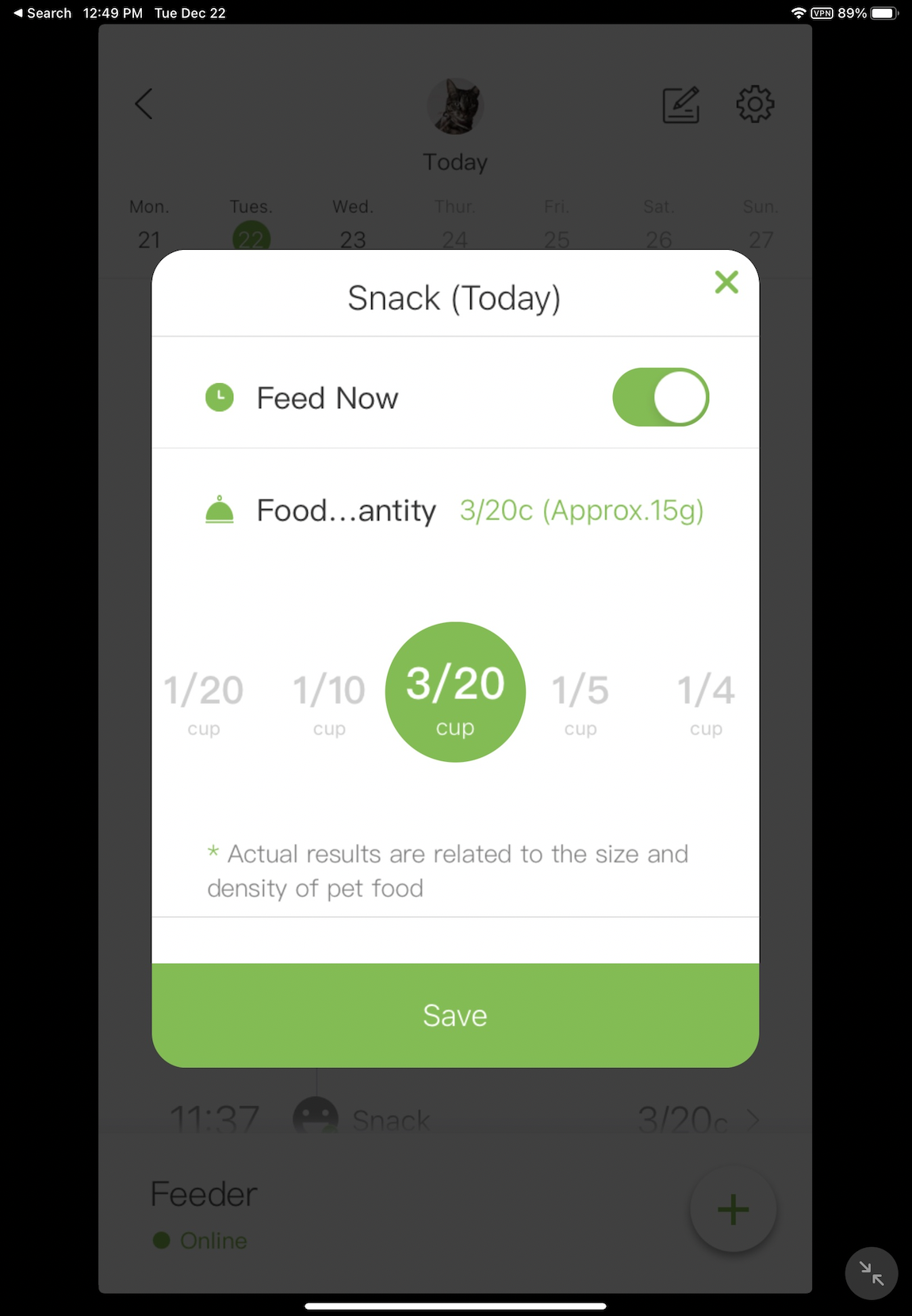
Let's start by opening the Petkit app, make sure you're logged in and everything is already set up and proceed to the screen that would trigger a new feeding… AND STOP, NO TOUCHING!
Let's now open Charles, make sure the status is set to Active, tap Current Session, and let's hit the little Clear Session icon in the bottom to make it easier to find the right one.
Alright, we can now go back to Petkit, and trigger a new manual feeding. The amount of food that you selected is going to be the amount used for our "smart feedings". Did the feeder dispense food? Good. If it didn't then something's wrong and I'm not qualified to help you any further, go figure that one out first.
Cool, let's now go back to Charles, and BOOM, it should have a bunch of new items in that list… it should look something like this:
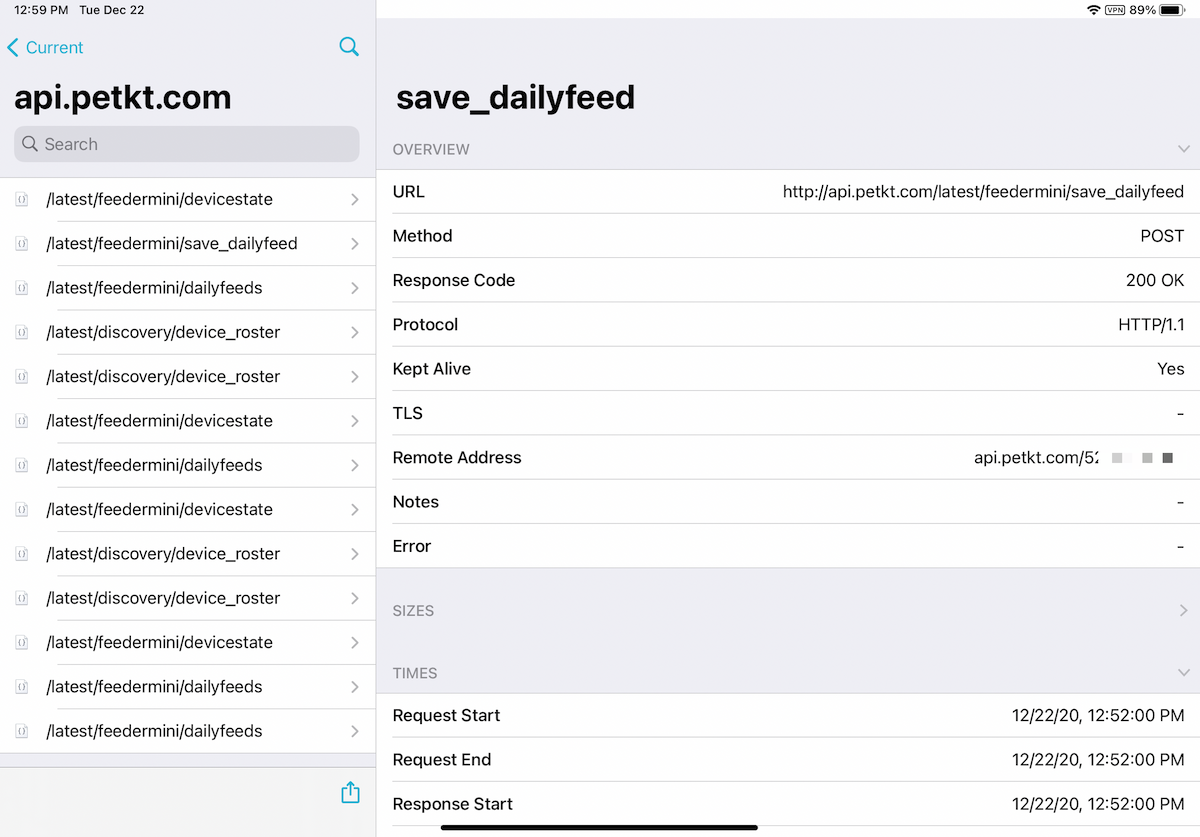
Tap the one that says http://api.petkt.com and then look for the first one that says latest/feedermini/save_dailyfeed — that's the one, that's our booger! Keep that thing around, we're gonna need it very soon.
Triggering from Siri/Home
There's now two ways we can trigger this via Siri: we can either create a Shortcut, or add it as a device to our Home app via Homebridge.
iOS Shortcuts
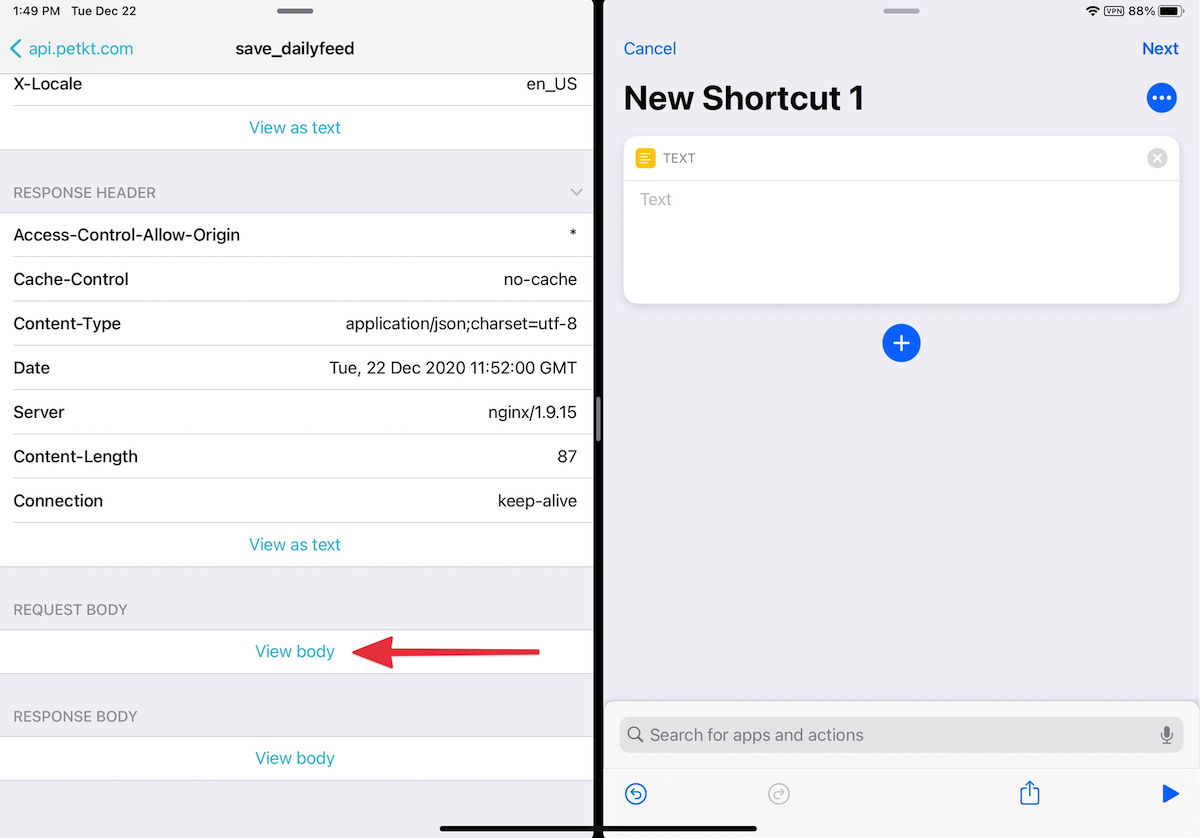
Definitely the easiest way is to create a Shortcut — open the Shortcuts app and hit + to create a new Shortcut.
- Start by adding a "Text" block, and paste the "Response Body" content in there.
- Next add a "URL" block with the right URL content from the API call.
- And finally, add a "Get contents of URL" block. Hit "Show more" and here you're going to add all the Request Headers… it'll take some time, but make sure you get all of these right. For the Request Body section add the Text block we just created.

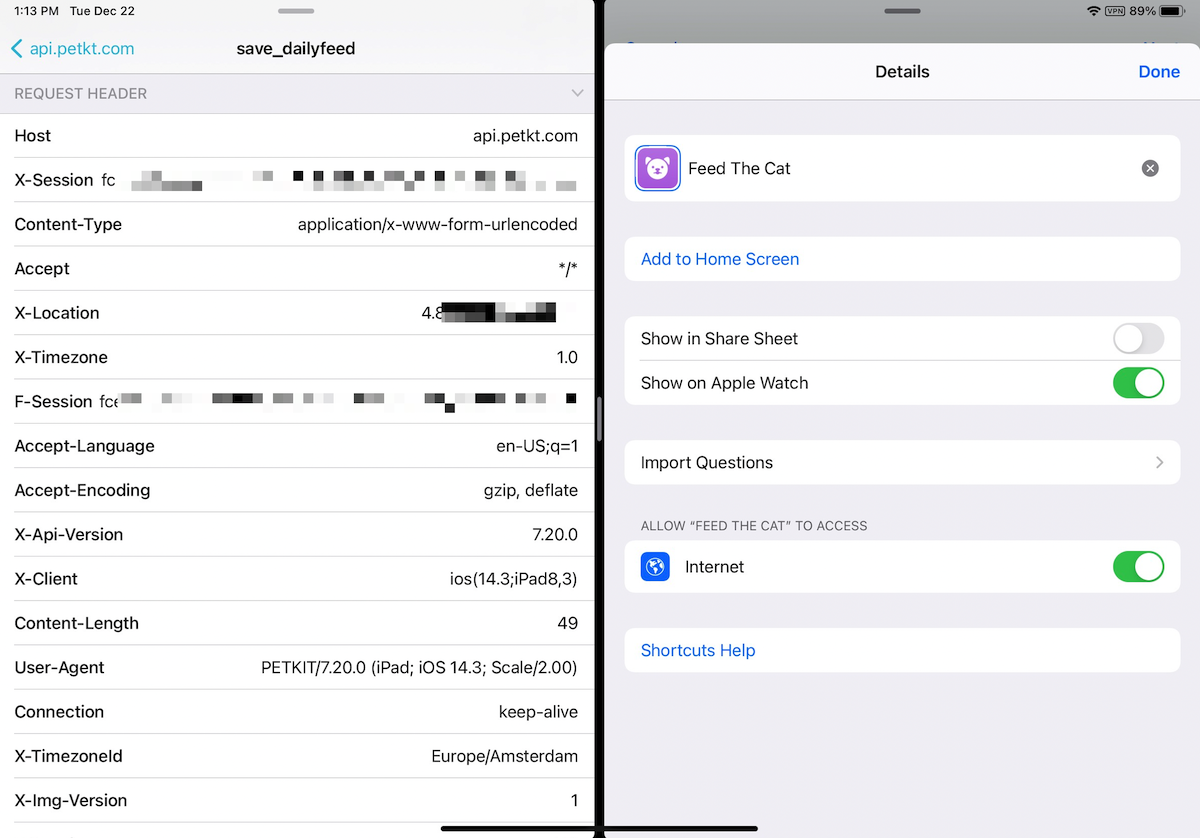
That's hit, run the Shortcut and the your feeder should dispense food!
Adding it as a device in Home, via Homebridge
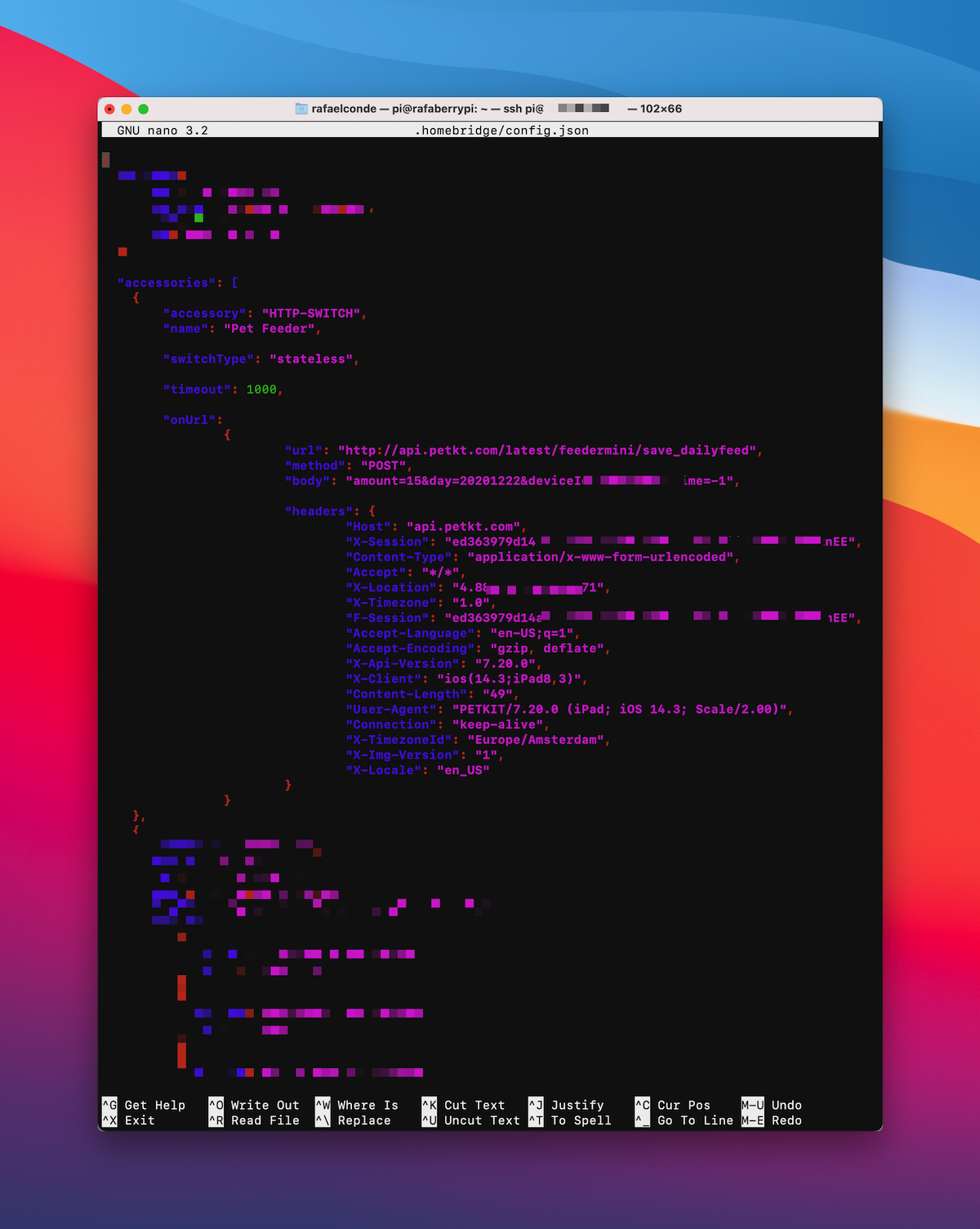
If you're running Homebridge, we can add the Petkit feeder as a device using the homebridge-http-switch plugin.
- Follow the instructions to install and setup the plugin
- In your
config.jsonadd the appropriate Request Headers - Save your changes and run
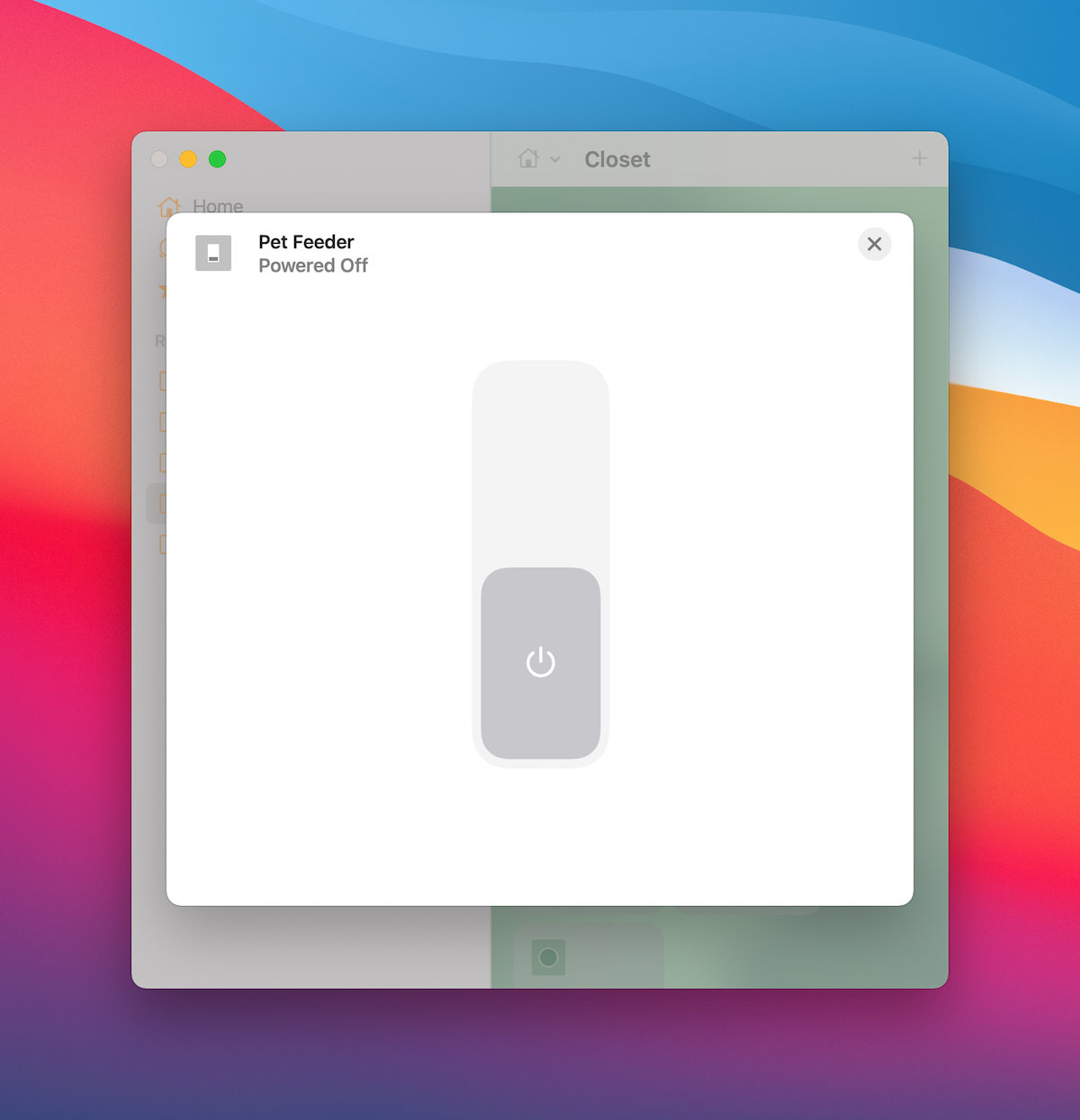
homebridge - You should now see the new device in your Home app, it's a simple switch/button
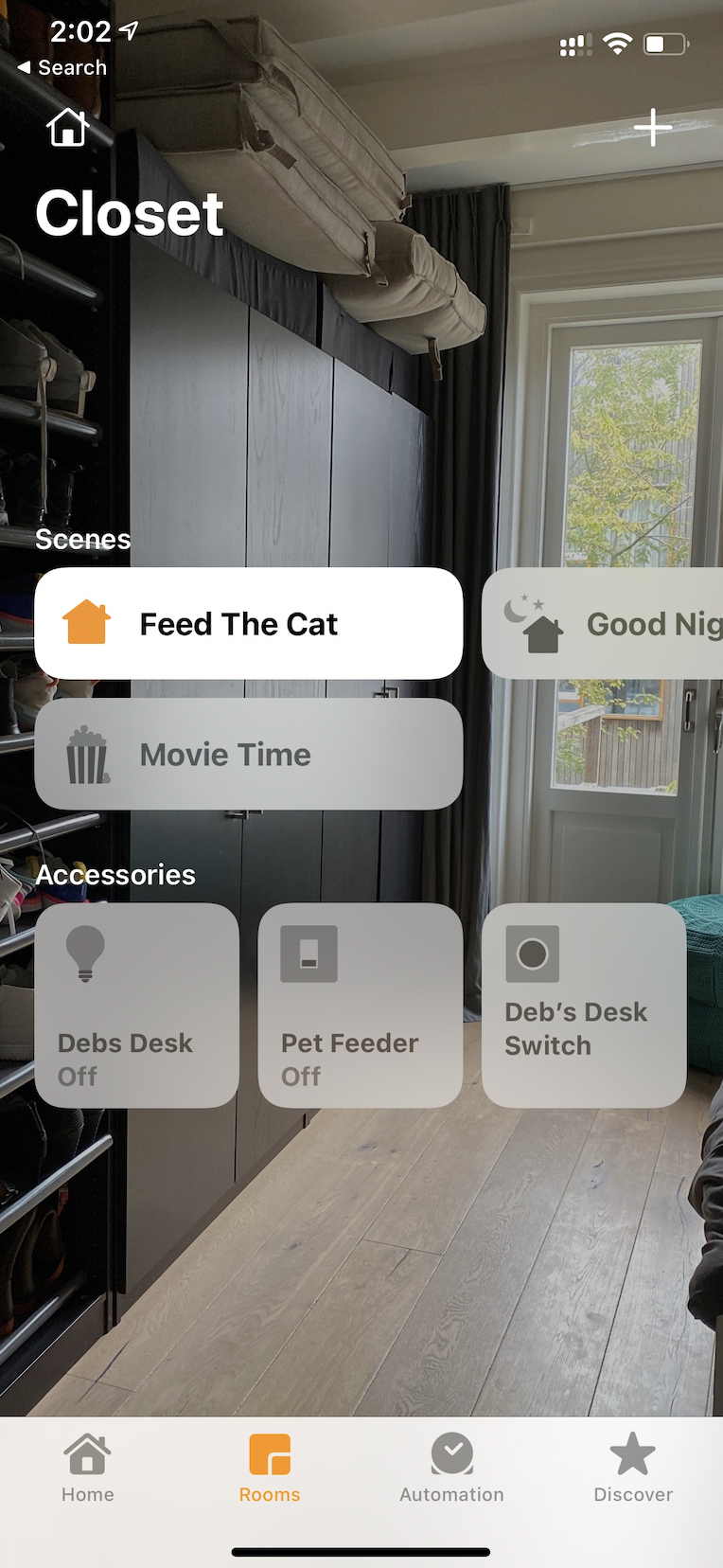
- Optionally, you can create a Scene that just triggers the device for an easier Siri trigger (just call the scene something like "Feed the Cat").
Troubleshooting
If something is not working, it's very likely that you either wrote down the API call incorrectly. I like to use an app like Paw to assemble and test the API call before, to make sure I got it right.
There you go, a convoluted and complicated way of achieving something pretty nerdy that will definitely break in a couple weeks.